LaunchBox - Review and Setup Guide!

Fam are ya'll up on game emulation?

I just set my shit up and to say the least, that shit is cool af.

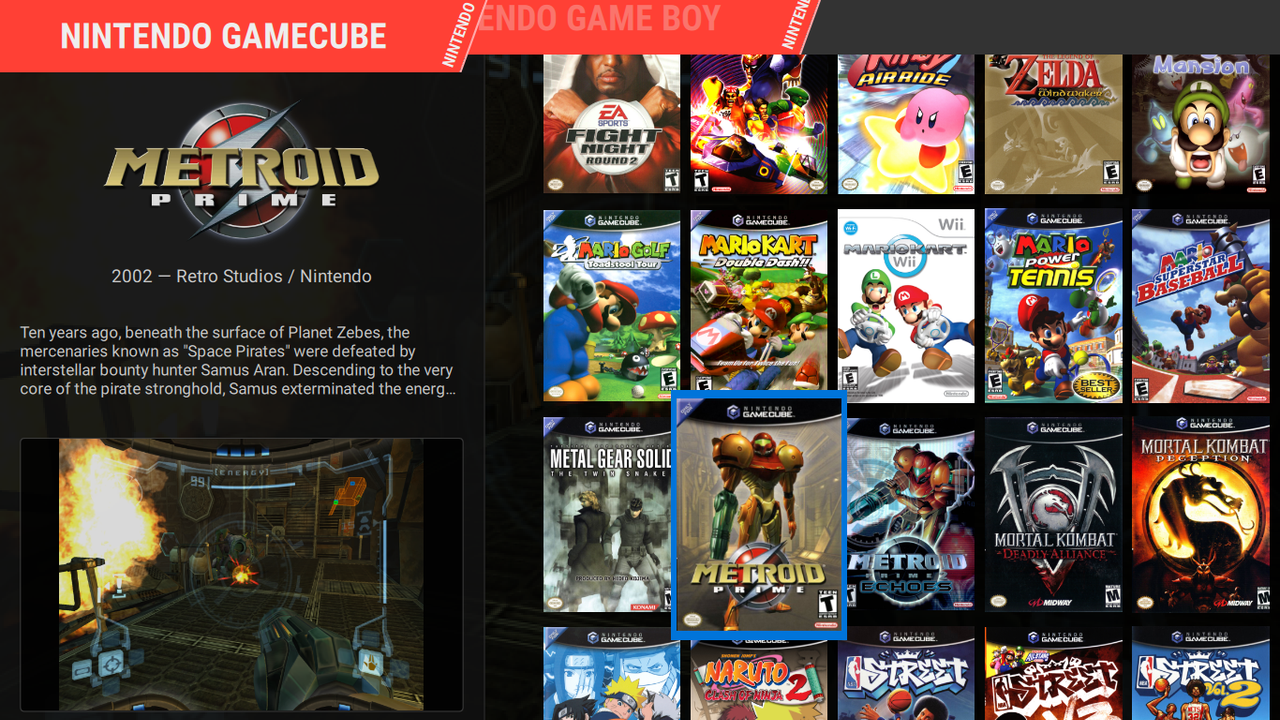
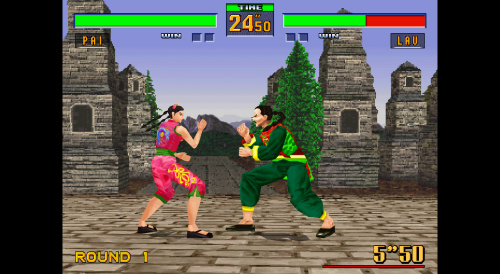
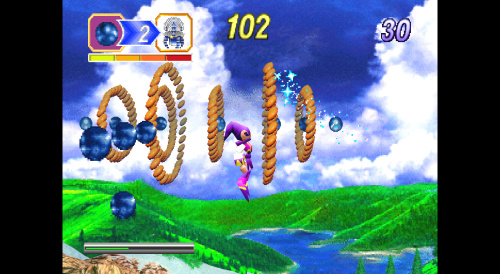
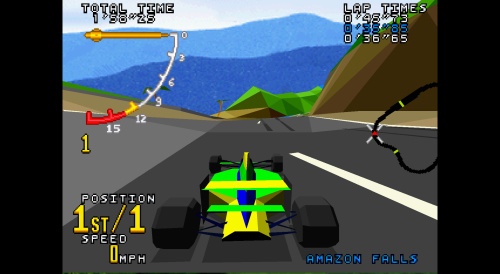
I have setup emulation for PSX, PSX2, PSP, Dreamcast, NES, SNES, N64, Gamecube, Wii, WiiU, & MAME.

All of my games are controlled using my xbox one controllers except for the Wii games, which I use Mayflash Wireless Sensor DolphinBar and original Wiimotes.

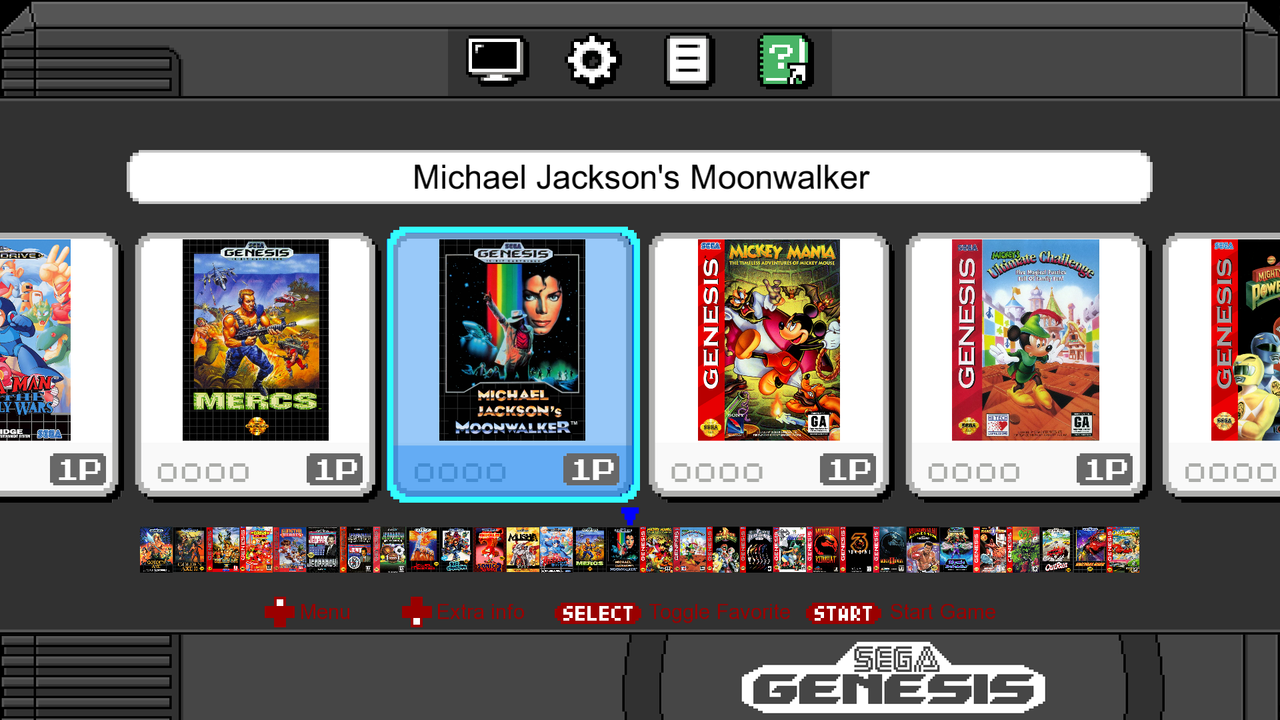
LaunchBox / Big Box Setup


EMULATORS
http://www.emulator-zone.com/

ROMS
https://www.loveroms.com/

Mayflash Wireless Sensor DolphinBar
http://www.mayflash.com/Products/NINTENDOWiiGC/W010.html


If I buy a preconfigured launchbox hard drive..what device can I buy to plug it in to play it on my tv? What is the best all around joystick to use..brah?
 
If I buy a preconfigured launchbox hard drive..what device can I buy to plug it in to play it on my tv? What is the best all around joystick to use..brah?
I use the Xbox controller with the wireless dongle and Nintendo motion controllers.
 
Virtual boy too good for yall?

I kid, but emulation has taken off since I've started (2004.)

I have it set up and can play it with or without 3D glasses.

The library is "meh" and it will give you a headache. Keep peppermints or mint gum close by with or without the glasses.
 
Going to try out the Nostlan front end.

The issue is being able to use stand aloner emulators outside of Retroarch and being able to control them with just a controller.

If this works, this could be a game changer, as there are some stand alone emulators that I'd like to try.
 
Got the Saturn controller

2hrVyb0.jpg

28KdQDN.jpg
 
Last edited:
Quick tip on Saturn emulation.

Saturn emulation is miles better than what it once was and it's definitely playable (especially if you stick to it's 2D games, which play beautifully) but you will need to keep your isos and/or bin and cue files in separate folders or the Saturn cores (Beetle, Yabause, YabaSanSiro) might confuse games with similar names for being the same game with multiple disks.

For PS1 my bins, cues and/or PSP files are in one "pile" in the folder and the emulator sorts them via retroarch. Saturn's cores are not that smart. So give each game a separate folder and put the bins and cues in them.
 
FPGA has a ton of potential but it's not ready for prime time just yet.

The true test is going to be whether or not it can correct the emulation issues that plague systems like the N64 and Sega Saturn.

That would be a game changer.

Even Nintendo themselves can not fix N64 emulation issues on the Switch Online service.
 
Here's a quick Launchbox tip that you must know if you're importing multiple systems.

When importing your ROMs, make sure you check the box that says "Force importing of duplicate games"

This is necessary because if you have games that appeared on multiple systems (Ex. Mortal Kombat), the scraper will skip over them, assuming they are the exact same game.

For example, Launchbox skipped over my copy of Dr. Mario for the NES because I had already had a copy of it in my Game Boy collection.
 
Update your retroarch

Not liking some of graphical changes, the bilinear filtering looks more blurry now.
 
So I am about to begin the process of removing N64 emulation off of Retroarch and on to Project64.

I hate to lose the convience of retroarch but the cores are always so damn behind the standalones.

So I'll report back what results I get.
 
Launchbox has finally added a feature in which similarly named boxart files can be dropped into the launchbox image folder and be recgonized by the program.
 
So after three weeks of fully returning to launchbox after a few years away, I have to say it has been the best decision I've made in a long time.

It basically started because I got visually tired of Retroarch's very ugly looking ozone theme and dated looking XMB theme and honestly I developed a love for the Nintendo Switch's simple aesthetic. (I use a Switch theme for Playnite and an NSO inspired Pegasus theme).

Also, I started adding so many games that using those mini-console themes didn't work (because those are intended for 20,30 or 40 games box, not the 200 plus that most of my playlists have.

Being able to drag and drop games and have them automatically moved to my specific folder is a breeze, and so is adding boxart.

Also being able to effectively free myself from Retroarch and be able to easily use stand-alone emulators is a plus also.

Try to learn how use Launchbox because it will make everything easier, either using it as your launcher or as a metadata scraper for another, lighter launcher.
 
The standalone version of Mupen64 seems to be a game changer.

It's fast, seemingly accurate and has pre-configs for the entire N64 library.

While I hate to move away from the functionality of Retroarch, nothing beats being able to actually play.
 
Quick note: If you are using a Retro-Bit 6-button or 8-button Genesis controller, wired or otherwise, pressing START + A is a "Guide mode" so if you're trying to input any cheat codes that require START + A it will not work.

In this case, you should map the "MODE" button as a second start button as there is no need to press the mode button on Emulators because 6-button Genesis games will automatically map themselves and 3-button Genesis games will ignore the X, Y, and Z buttons.
 
I have decided to start using the standalone version of Yaba Sanshiro for Sega Saturn emulation.

I find the emulator to be good but not great. Set up is very easy, bios are not necessary but you can use them if you want. I've found everything to be playable at 60fps. The upscaling options are very impressive and the Saturn at 1080p looks considerably better than the PS1 in 1080p.

There's still some freezing and there is a general finicky nature about the emulator when you're running particularly demanding games such as Burning Rangers but 2D games, which was Saturn's strength, work just fine. I do recommend it but keep in mind. Saturn was complex hardware and it's complex to emulate and you're gonna need some muscle on your computer and there will be some glitching when it comes to 3D games.

Also, when it comes to Saturn, some games, especially the 3D games are just glitchy, it has nothing to do with emulation, they were just released that way.

If you're looking for Saturn emulation for 2D games only, you'll be just fine, those games don't glitch and play perfect
 
I purchased the Tribute 64 V2 wireless edition.

I had previously purchased a Tribute 64 wired edition, this version cost $44 and it has rumble. built it.

Definitely a good upgrade but a bit of a bitch to set up, you'll have to switch it to X-input and the mappings could be trouble
 
My current setup for Saturn emulation is as follows.

Beetle Saturn for 2D Saturn games, with all options set to stock. I want these games to look as they did back in the 1990s.
Yaba Sanshiro handles 3D Saturn games and the games have been upscaled to 1080p with RBG resolution at 2X (RBG is for background graphics).

I have no issue with classic games being upscaled but I'm starting to prefer the stock look personally but in the case of the PS1/SAT/N64 era, those graphics were ROUGH looking and Saturn is easily the worst of the three. While Saturn 2D games look great, even today, the 3D games have aged extremely poorly and NEED upscaling.

 
Here's an update for my emulator/PC gaming setup. I built a new computer on April 9th, This computer is replacing a nearly 10-year-old PC that I built in 2015.

Here are the new specs
Win11, AMD Ryzen 5 5500, 32GB Ram, AMD Radeon RX 6600 ( previous was Win7/10, AMD FX 8320, 8GB Ram, GTX960 4GB)

For PC gaming, these specs are average. I can play what I want in 1080p with a high frame rate, it gets the job done with no complaints

For Emulation, it's a beast. I can get to the 6th Generation with no problem. The Original Xbox plays perfectly as does Wii U and Nintendo Switch.

I haven't really gotten stable emulation from the Xbox 360 and I haven't tried emulating the PS3 but honestly, I have no interest in those systems for now but I may in the future

Sega Saturn, a system I struggled to emulate on my previous computer, plays perfectly via Beetle Saturn. Most people generally split their Saturn emulation libraries into two sections for 3D and 2D and use different emulators (see the above post) but here I can run everything with Beetle Saturn which is stable and accurate to the Saturn hardware (any frame hitches or glitches are things that were present in the original games and hardware)

But Saturn emulation still lingers behind PS1. Beetle Saturn has NO options for graphical upscaling, which means you play Saturn games at stock settings. For 2D games, it's not a problem, for 3D games you're stuck with a graphical style that has not aged well and in many cases needs upscaling and graphical fixes.

PS1 emulation has largely been perfected at this point, people have been able to upscale the games to 4K, fix the graphical wobbling and and even apply downsampling and other fixes. Beetle Saturn has NONE of that, and other Saturn emulators that have upscaling options cause the emulator to conk out even if your system is powerful. The Saturn's complicated hardware still haunts us decades later!
 
Last edited:
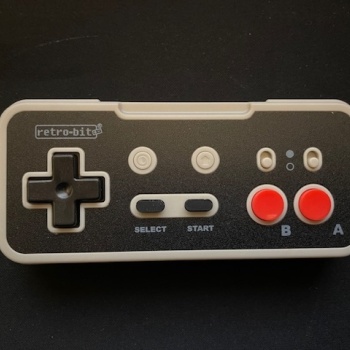
New controller alert!

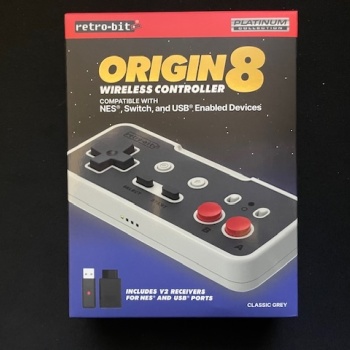
This is the Retro-Bit Origin8, I got this off Amazon for $24.99.

Long story short, it's a wireless 2.4GHz NES controller. It has a USB and NES receiver, so you can connect it to your PC, Pi, Switch, FPGA, NES, or clone console. It has options for turbo, home and capture buttons and four shoulder buttons so it can be used effectively with Switch or GameBoy Advance emulation.

I recommend this controller if you have an actual NES or clone console and need a new controller or you want a cheaper (but well made option) for the Nintendo Switch Online.

If you are using it solely for emulation (outside of NSO), it might be a bit of a splurge at $25, because the NES can be played with just about any video game controller released in the past 40 years and cheap, USB wired Chinese knockoffs can be had in packs of two for less than $20.
 
Back
Top