Mac Heads, What's In Your Dock & Dashboard?

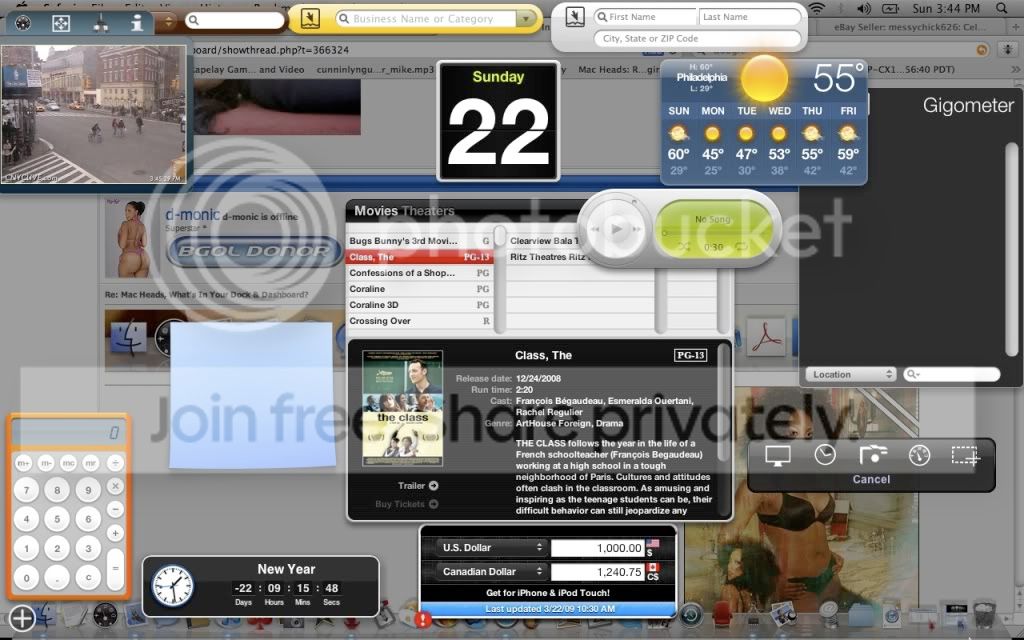
heres mines, just got Leopard
Picture1.png
 
Yo, this site is the shit! Where else in the fuc$in world can you go and read some informative shit, laugh, check out porn and have good conversation. I'm lovin this thread. Good Look:yes:
 

Nice. What's that in the top left and in the bottom right(the one that says "cancel")?

i forgot about this thread lol.

the top left is like spying on NYC. its various surveillance cameras throughout NYC. i swore a drug deal 1 time.. whatever.


the bottom right where it says cancel is to take a screenshot. it got a timer, grab a specific window.. this shit is HOT. best program i got other than the movie finder on my dashboard.
 
There is no emmulate (PC users who dont know what the fuck they talking about say that shit :lol:).

You can either boot directly into Windows using Parallels of boot into a Windows VM using Fusion. Fusion is the best option.

I just got a mac and I was wondering what software do I need to emulate a windows box and or linux box. I heard about this parallel stuff but not much.
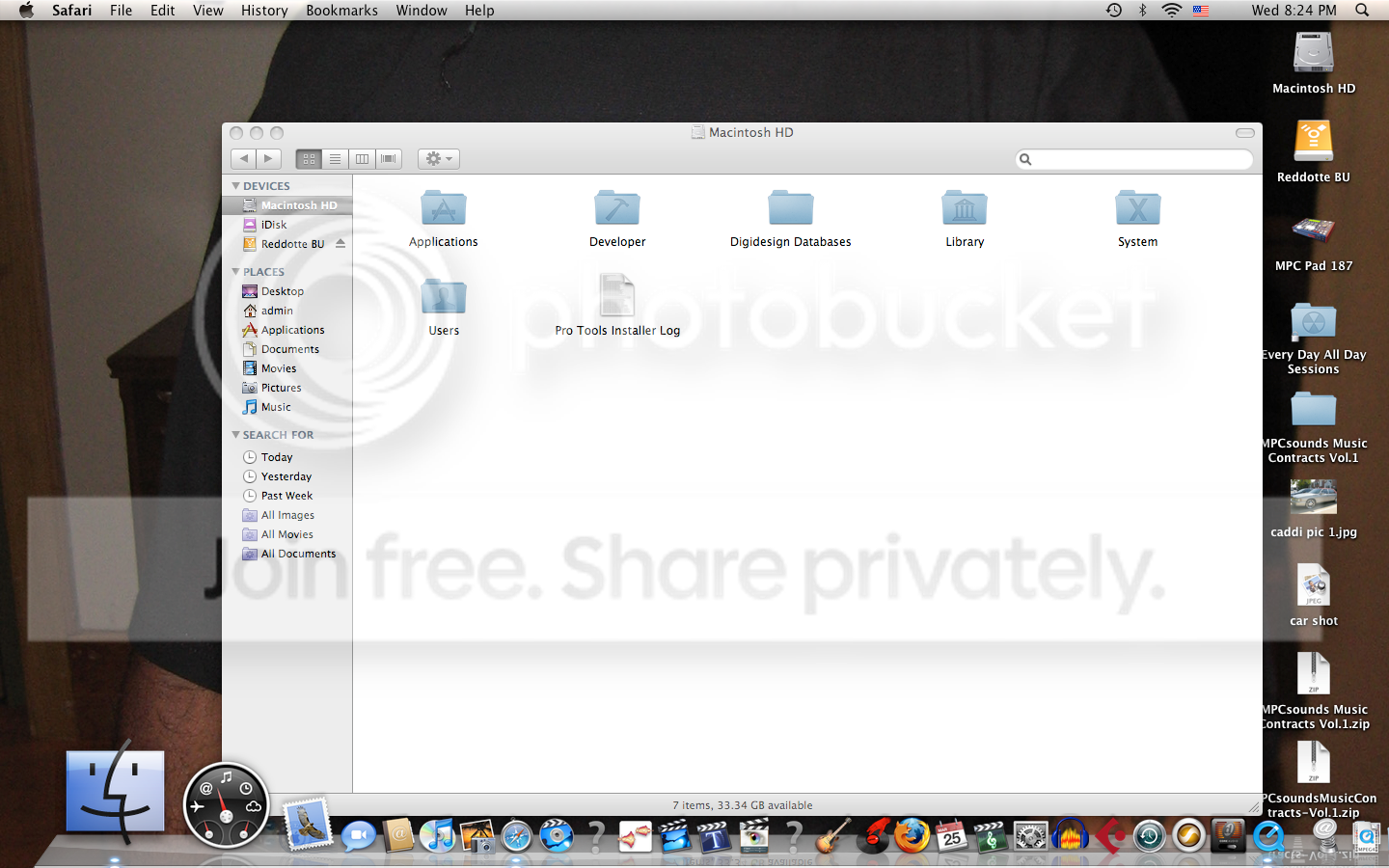
 
Can anyone reccomend a good external hard drive for my mac? Check this thread http://www.bgol.us/board/showthread.php?t=368213 for porn as thanks.


hey man, I myself have a 500GB Maxtor 3.5" external HDD and a Western Digital 500GB HDD that I use with My Macbook. Both are usb 2.0 rather than firewire, but for the money they are great value. Just make sure when you get a non-Mac specific drive that you reformat it straight away using your Disk Utility otherwise you will end up having trouble seeing/reading you files at time if not losing them out right. I've also found that drives above 250GB its best to partition them as this improves the access speed or at the very least searching for things.
However, depending on what Mac you have I suggest getting at least one firewire drive as my Macbook only has two usb ports which can be a pain sometimes if I need to make a quick transfer with a usb key but dont want eject the other drives (sounds lazy I kno.lol)
Anyway as long as you properly format your drive to 'Mac OS Extended (Journaled)' then any drive should work fine:yes:

as I npt sure what size ur looking for I will recommend this sleek little drive LG XD1 500GB 2.5" External USB Hard Drive / Black
8989649m.jpg
 
BTW does anyone have a working full version of Path Finder 5.05 ? there was another thread pn the board with it, but unless the OP tells us how the patch works we're abit stuck. And having tried the Demo I do have to say it's a must have.

Thanks in advance ;-)
 
hey man, I myself have a 500GB Maxtor 3.5" external HDD and a Western Digital 500GB HDD that I use with My Macbook. Both are usb 2.0 rather than firewire, but for the money they are great value. Just make sure when you get a non-Mac specific drive that you reformat it straight away using your Disk Utility otherwise you will end up having trouble seeing/reading you files at time if not losing them out right. I've also found that drives above 250GB its best to partition them as this improves the access speed or at the very least searching for things.
However, depending on what Mac you have I suggest getting at least one firewire drive as my Macbook only has two usb ports which can be a pain sometimes if I need to make a quick transfer with a usb key but dont want eject the other drives (sounds lazy I kno.lol)
Anyway as long as you properly format your drive to 'Mac OS Extended (Journaled)' then any drive should work fine:yes:

as I not sure what size ur looking for I will recommend this sleek little drive LG XD1 500GB 2.5" External USB Hard Drive / Black
8989649m.jpg

Thanks for the input fam.
I went with wit the My Book
http://www.newegg.com/Product/Product.aspx?Item=N82E16822136184
http://store.westerndigital.com/sto...goryID.15206100/parid.13092300/catid.15146100

Nut I still might get a potable drive for traveling from studios n what not. Whats the difference between the 2.5" and 3.5"?
 
i forgot about this thread lol.

the top left is like spying on NYC. its various surveillance cameras throughout NYC. i swore a drug deal 1 time.. whatever.


the bottom right where it says cancel is to take a screenshot. it got a timer, grab a specific window.. this shit is HOT. best program i got other than the movie finder on my dashboard.
That movie finder is nice.:yes:
 
There is no emmulate (PC users who dont know what the fuck they talking about say that shit :lol:).

You can either boot directly into Windows using Parallels of boot into a Windows VM using Fusion. Fusion is the best option.

Next time I want some sarcasm I will ask for it. So how about you shut your pie hole or don't answer the question.
 
There is no emmulate (PC users who dont know what the fuck they talking about say that shit ).

You can either boot directly into Windows using Parallels of boot into a Windows VM using Fusion. Fusion is the best option.

Next time I want some sarcasm I will ask for it. So how about you shut your pie hole or don't answer the question.

Actually, you can boot into Windows using Bootcamp, which is provided in OSX. You can also virtualize using either Parallels or VM Ware Fusion. Both provide the ability to use Windows or Linux along side OSX. I know that Parallels will let you boot a virtual machine using your Bootcamp partition so you don't have to reboot.

If you are going to use Fusion or Parallels make sure you have at a minimum 2 Gigs of RAM, 4 would be best.

As far as recommendation, Fusion and Parallels are about the same as far a speed and use. However, Fusion provided 3D gaming support long before Parallels did. I used both; Parallels seems faster to me, but Fusion might be faster for others.
 
Last edited:
do macs have a explorer feature like windows explorer, where u can view stuff like program files, system32 etc?
 
do macs have a explorer feature like windows explorer, where u can view stuff like program files, system32 etc?

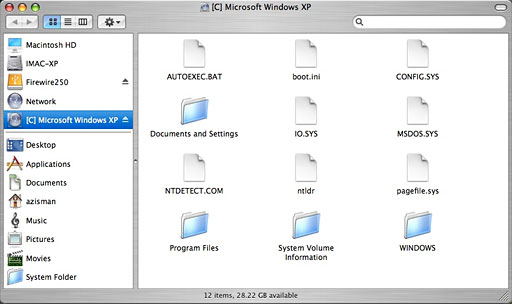
It's called the Finder.

finder_leopard_small.jpg

06xp-in-the-finder.jpg

what he said.


just do hit {Apple + F} on your keyboard.. type your search.


or

Spotlight indexes your hard drive including your mail for checking within appalications like mail or entourage.
 
these are apps that benefit all regardless of what you do on your mac.
flip4mac
little snitch
vlc
path finder
stuffit/unrarx/unarchiver
firefox
onyx
dragthing
RCDefaultApp (preference pane)
perian


are these full apps or are they just demos?
 
are these full apps or are they just demos?

for the most part full apps.

flip4mac has a register section but you dont need to register.

definitely register (for Free via the MAC at hoes thread on BGOL :D ) so you dont get bugged to register or worry about updates.


The best application on the Mac IMO is Disk Utility and Terminal Console.

30li5jc.png


With Disk Utility you have a built in ISO/DMG/Etc burner image opener. when you install, uninstall, delete etc alot running Disk Permissions cleans up your digital receipt permissions. Create back up images, set up Raids, Partitions and of course restore your back up image you created

Terminal, well, if you know unix commands your good.


a great CD to have handy is Disk Warrior. Great for Hard Drive repair. even if your hard drive wont boot, disk warrior can mount your hard drive to allow you to back up your data.
 
Back
Top